- DATE:
- AUTHOR:
- The Avidon Health team
Push Notifications in the Mobile App
This release is anchored by one big shift: push notifications are live in the mobile app, giving you a third channel, alongside email and SMS, for reaching members inside the automations tool. Rounding out the release: a first look at October's Autopilot Challenge, a heads-up that the full 2027 lineup is soon-to-be revealed, and a faster, more secure home for support requests. Together, these updates give members one more way to stay engaged and give your team a simpler path to get help when something comes up.
Push Notifications in the Mobile App
Push notifications join email and SMS as the third channel in Avidon's messaging platform. Members with the Avidon Health mobile app receive timely notifications driven by the same automations that already power email and SMS, whether the app is open, backgrounded, or fully closed; tapping one opens the app straight to the relevant content. This is available to clients whose programs include the Avidon Health mobile app.
What's Changing
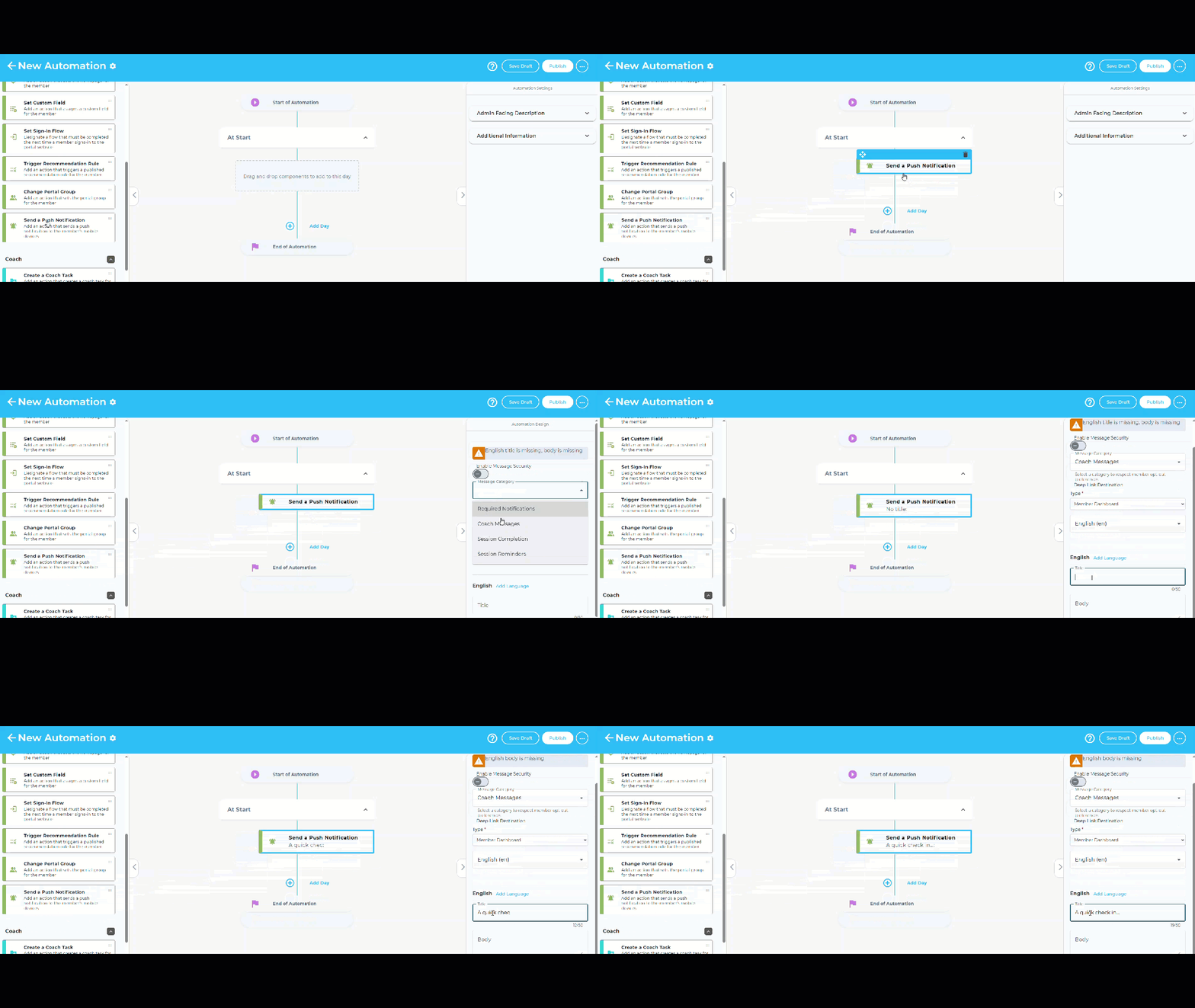
A new channel in Automations
Admins get a "Send Push Notification" action in the automation builder, right alongside Send Email and Send SMS. Configure a title, body, and an optional deep link to any of 13 destinations, courses, challenges, flows, trackers, group coaching, and more, and the targeting, triggers, and conditions already in use carry over as-is.
Straight to the content
Tapping a notification opens the app directly to the linked destination; no menu-hunting, even on a cold start after the app's been fully closed.
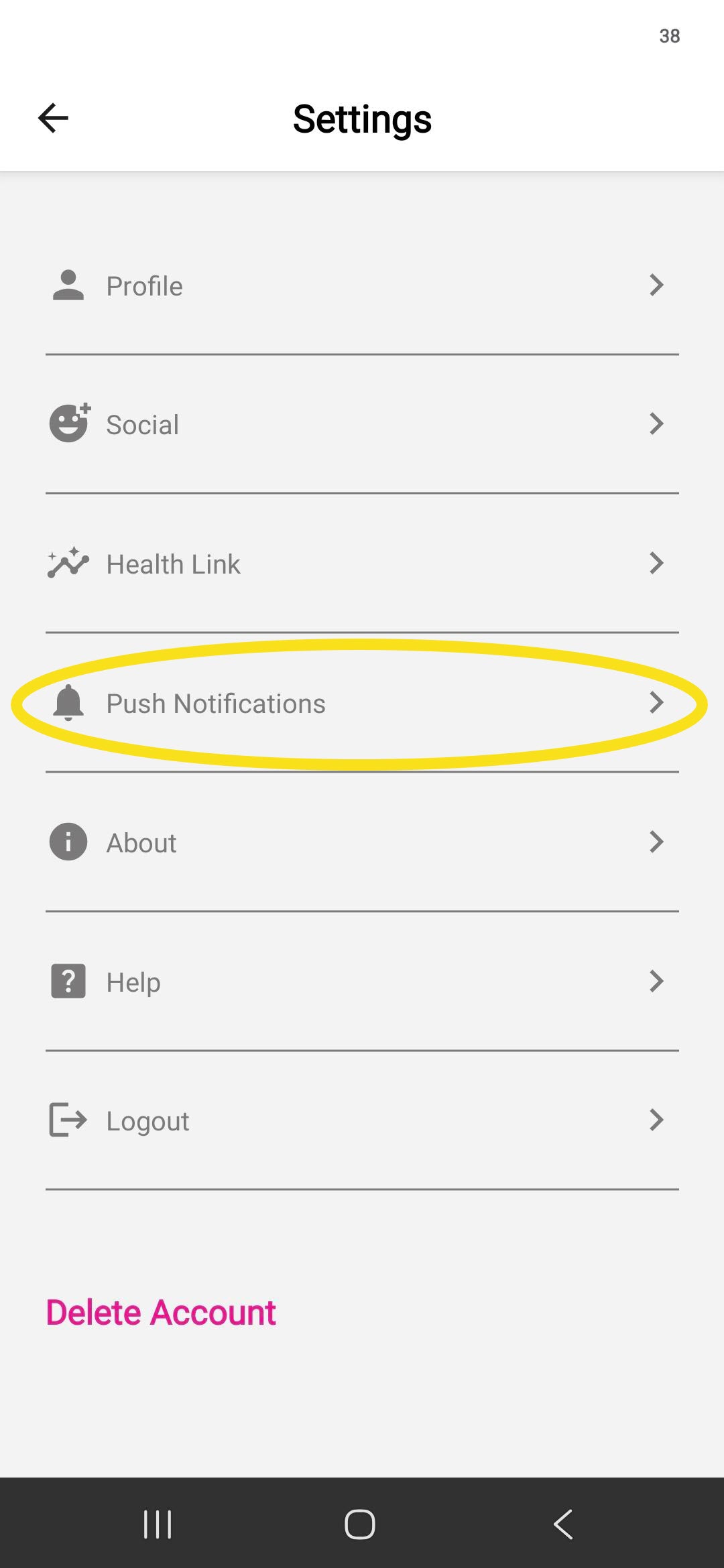
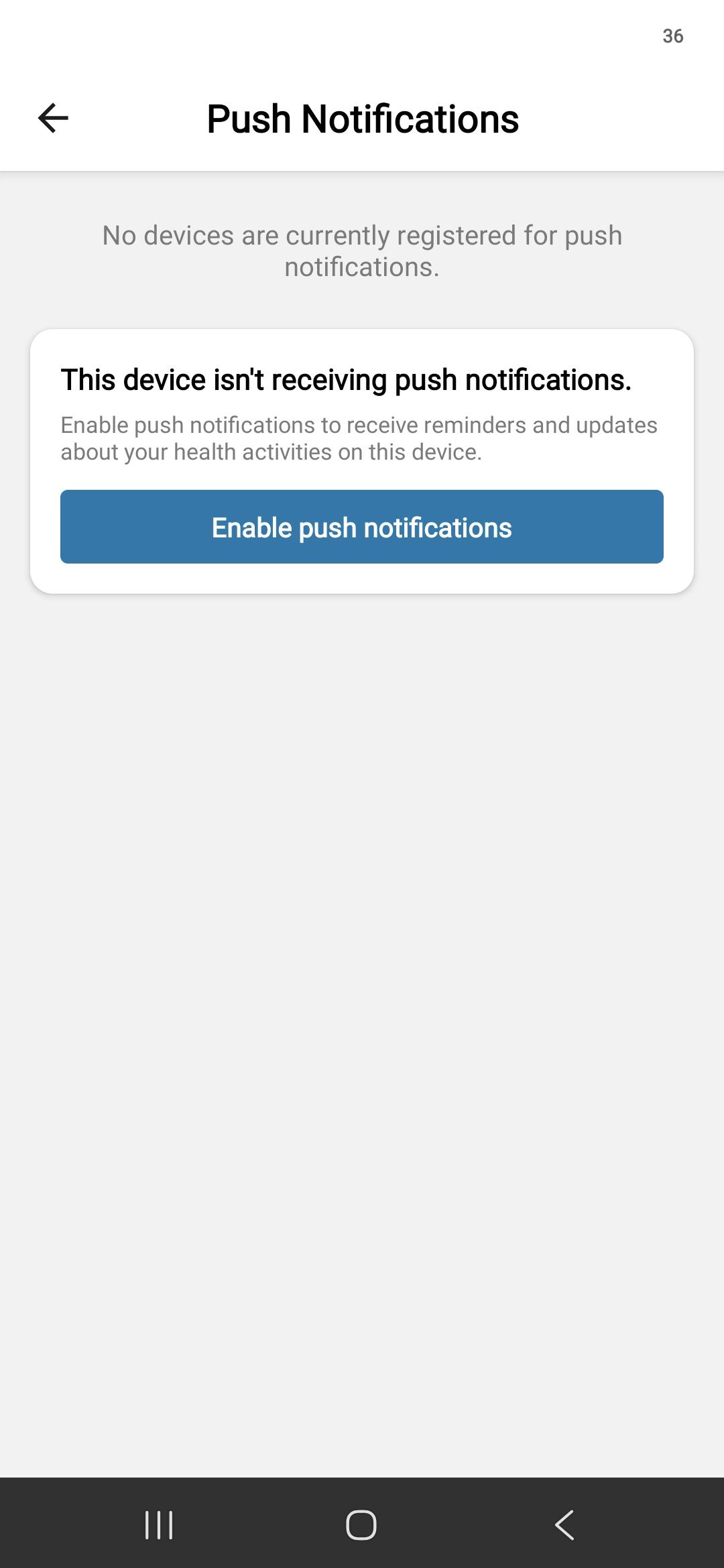
Permission asked at the right moment
Instead of prompting for notification access the second someone installs the app, Avidon waits until a member has an active program or starts a new activity, and shows a plain-language explanation of the value before the system prompt appears.
Nothing sensitive on the lock screen
Every notification is HIPAA-safe by default; the visible banner uses a generic title and body, and the real content only loads once the member is authenticated inside the app.
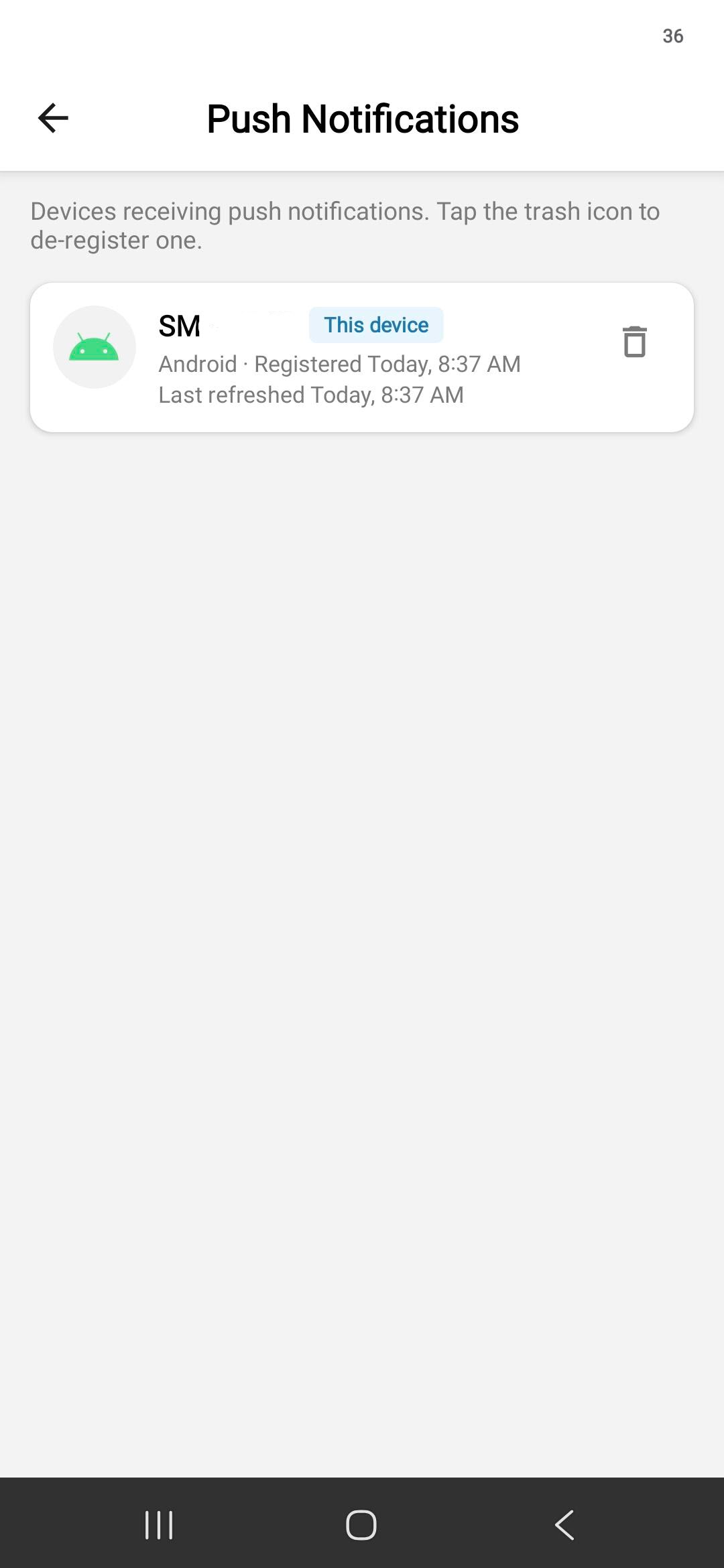
Members stay in control
Members can opt out of push at any time from their preferences, and the platform checks that preference before every send. Quiet hours are honored too: anything that would land during a member's quiet window waits until it reopens.
 |  |  |
Where Push Notifications Are Already Live
This first wave is already running in a specific set of courses:
Legacy Courses—Eating Healthy, Living Lean; Managing Stress, Building Resiliency; Sleeping Soundly
New session unlock: fires when the next session becomes available (based on the previous session's completion plus the days-to-unlock setting)
Stall: fires at 4, 14, and 25 days of stall after a session starts
Sleeping Soundly only: one additional push, sent the day after Session 2 completes, prompting the member to start tracking sleep, with a link straight to trackers
Standard and Micro-Learning Courses—Deskercise; Cut the Ultra-Processed Foods; Advanced Stress Management; A Shift-Worker's Guide to Health and Sanity; Better Mornings, Better Days; Nutrition; Carrying Healthier Lifestyles into the Future
Stall: fires at 4, 14, and 25 days of stall after a session starts
Why It Matters
Re-engagement at the moment of intent—A nudge tied to an active program or an in-progress activity turns interest into action, one tap away.
Trust built in from day one—Members can opt out any time, quiet hours are honored automatically, and nothing sensitive ever shows on the lock screen.
One more channel, zero new setup—Push slots into the Automations clients already run for email and SMS; no admin has to rebuild a thing.
Compliance without extra work—HIPAA-safe by default means nothing new to configure or explain to your compliance team.
Push turns the mobile app into a genuine daily-engagement surface, not just a place members visit, but a channel that quietly nudges the small, consistent actions that add up to lasting change.
October's Autopilot Challenge: Autumn Movements & Moments
Registration opens: September 28 | Challenge begins: October 5
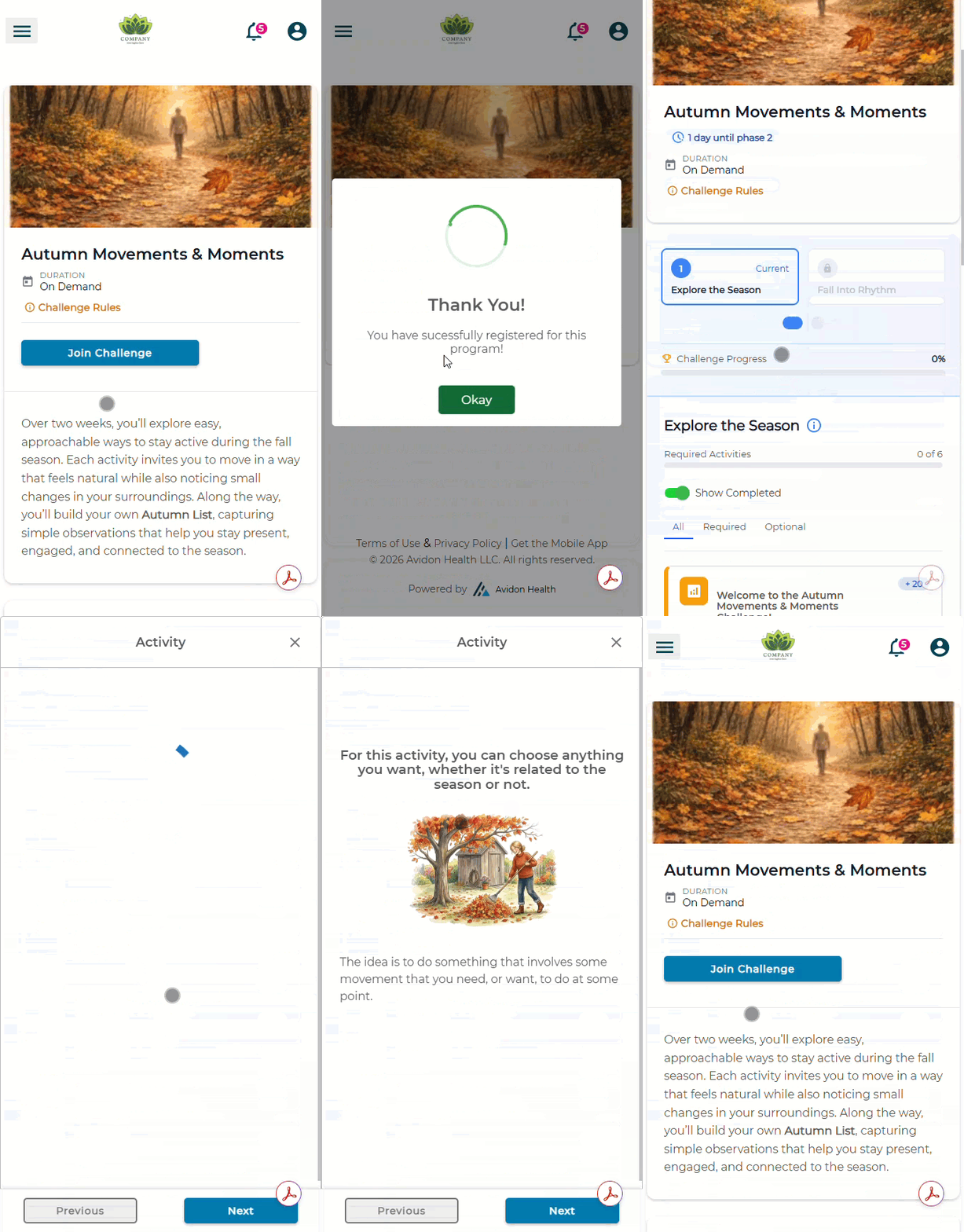
October's Challenge, Autumn Movements & Moments, runs on a simple idea: fall is a genuinely good month to be outside, and any kind of moving through it counts. There's no workout plan here; instead, participants log everyday motion: fall walks, raking leaves, parking farther away, taking the scenic route home. Week 1 is for noticing what's around; Week 2 is for turning that noticing into a rhythm that holds. After each activity, participants add a line to their own running Autumn List, a small, personal record of what they noticed while they were out moving.
2027 Autopilot Challenge Schedule to be Released in 3 Weeks
The next release notes will unveil 2027 Autopilot Challenge lineup. It'll be the same approach as this year: one Challenge per month, each one tied to its month, whether that's the season outside, a widely recognized health or wellness theme, or both. Keep an eye out.
All Support Requests Through the Portal: Faster Help, Same Team
Starting now, there's a simpler, faster way to get technical support. All requests come through our support sites, where they're routed straight to the right team the moment you submit them:
For admins and coaches: platformsupport.avidonhealth.com
For members: support.avidonhealth.com
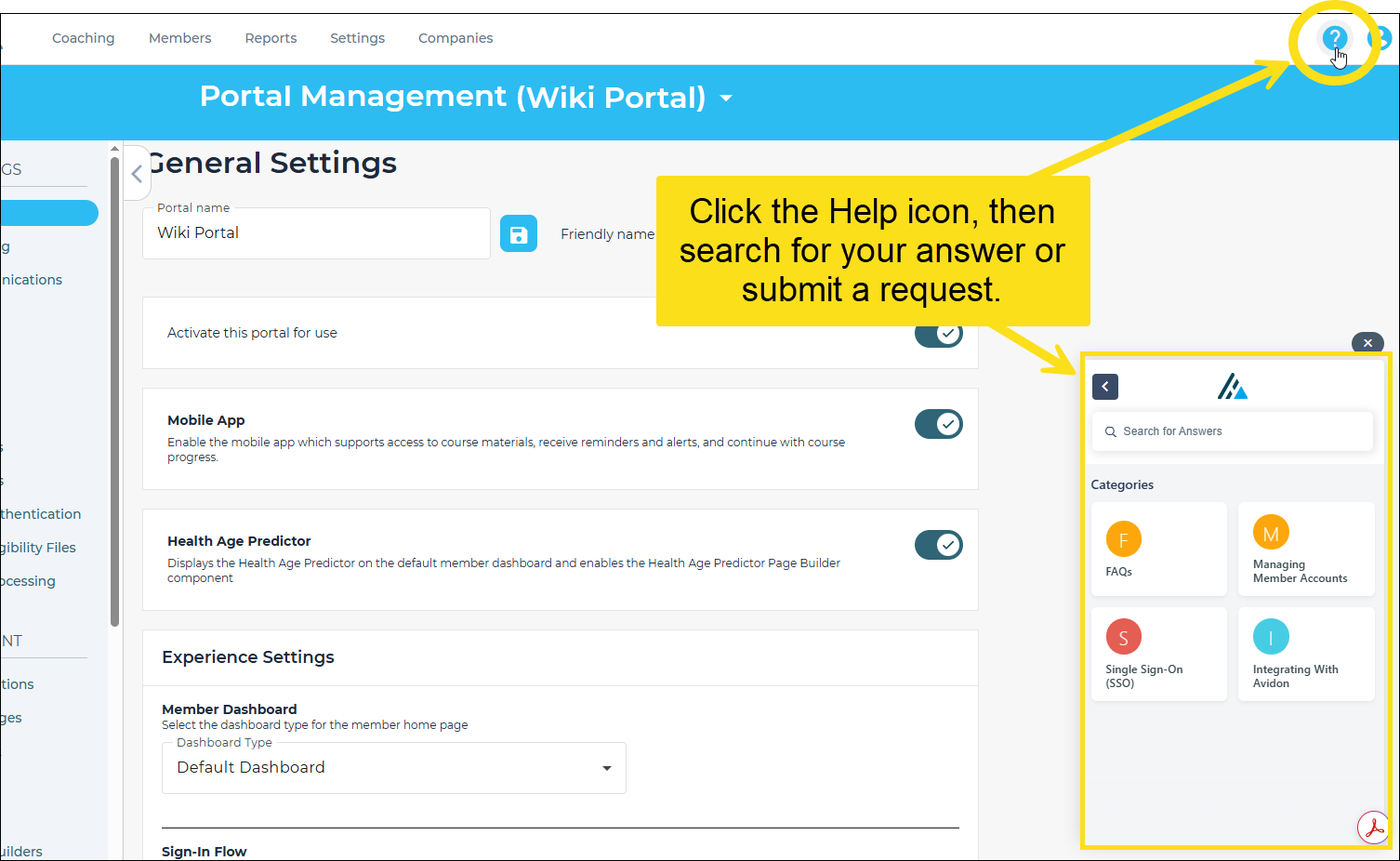
You can also get there anytime by clicking the Help button inside the portal.
What You'll Notice
Faster routing—Your request goes straight to the right team the moment it's created
Fewer back-and-forth emails—The portal asks for the details we need up front, including screenshots, so we can start working the ticket right away
Status you can actually see—Check where your ticket stands anytime, right in the portal
Better security—Submissions come from verified accounts, which cuts the risk of phishing or impersonation
Self-service, right there—Relevant FAQs and articles surface as you type, so some issues get solved without a ticket at all
One front door for support, and one clear way to track it while it's being handled. From this point on, emails to our support addresses will no longer create a ticket automatically; instead, they'll bounce with a link to the support portal.
Communication is Key
Read the full article in the Product Communication Center, where you can also submit your thoughts and ideas.
If you want to learn more about Avidon Health, please visit our website. Want to reach out to our team of experts? Click here for our helpdesk.